
BUILT AROUND YOUR SITE
The right files, applications and access for each person.
When shared files live on individual computers, everyday work becomes harder to organise. We plan servers, network storage and user access around the applications you run and the people who need them. Existing equipment can be reviewed for an upgrade before a replacement is proposed.
A SIMPLE SYSTEM VIEW

Shared resources people can find
Give teams an agreed place for working files and business applications, with names and folder structures that make sense to them.

Access that follows staff roles
Define who can read, change or administer each resource, then check those permissions from ordinary staff accounts.

A documented handover
Know which equipment runs each service, who manages it and which backup and recovery tasks are included.
UNDERSTAND THE PARTS
How the system comes together.
Choose a part to understand its role. These are system roles, rather than an installation wiring plan.

Staff computers
Start with the computers and applications people use. Confirm operating systems, connection methods and the work each team needs to complete.
Accounts & permissions
Individual accounts and groups control access. Where appropriate, Active Directory provides a central directory for the selected Windows environment.
Servers & storage
The selected server or storage system holds the agreed services and data. Capacity, application requirements and network connections are assessed together.

Backup & recovery plan
Specify separate backup copies, their location and the recovery checks. A second drive or redundant storage is not, by itself, a backup plan.
Where are you starting?
Choose the situation closest to yours. The details help us plan the right next step.
Move beyond files spread across desks.
Map the folders each team uses and decide which files should be shared. The plan should cover both normal access and what happens when a staff member changes role.
- Who may view or edit each folder?
- How much data is growing each year?
- Who approves new user access?
Change the platform with a controlled handover.
Review the current hardware, software support and application requirements. Agree what stays, what moves and how the business will confirm that the new setup works.
- Which applications must keep working?
- When can services be interrupted?
- What is the agreed recovery route?
Define the recovery need before buying capacity.
Separate fast daily access from the ability to recover lost or damaged information. Identify the important data and agree a practical recovery check for it.
- Which information needs separate copies?
- Where will those copies be held?
- Who checks and records recovery?
DECISIONS THAT SHAPE THE WORK
Settle the important questions early.
A server, network storage, or both?
Start with the applications and services. A file-storage requirement is different from running a business application or central user directory; the equipment must match those roles.
Keep the existing installation?
Retaining suitable equipment can be sensible. Review its condition, supported software, capacity and available administration access before deciding what belongs in the new plan.
How will access be approved?
Agree staff roles with the business before configuring groups and folders. Test an allowed task and a restricted task rather than relying only on the administrator's account.
AN AGREED SCOPE
Know what you will receive.
- An equipment and service record for the agreed installation.
- A user/group and shared-resource permission overview.
- Recorded access, application and connection checks in scope.
- Backup responsibilities and recovery checks where specifically included.
The quotation confirms the equipment, work, exclusions and handover for your project.
Questions before you start.
Can you organise our existing shared folders?
Yes. We first review the current structure, user roles and permissions. The agreed changes should preserve required access while removing unnecessary access, with a controlled change window where needed.
Is backup automatically included with storage?
No. Backup copies, retention, responsible administrators and recovery checks must be written into the project or support scope. Storage capacity and continuity arrangements answer different questions.
Do we need Active Directory?
It depends on your users, devices, applications and administration needs. We assess whether a central Windows directory fits the environment rather than adding it to every storage installation.
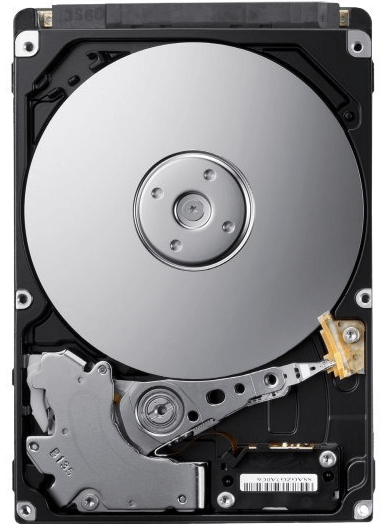
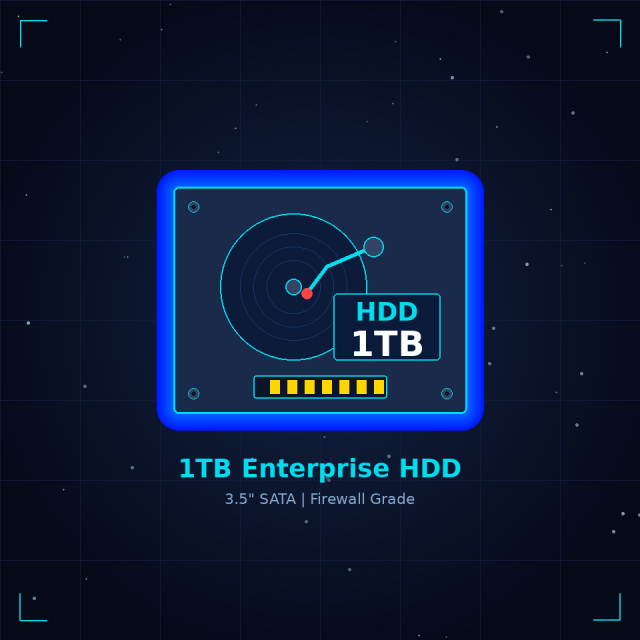
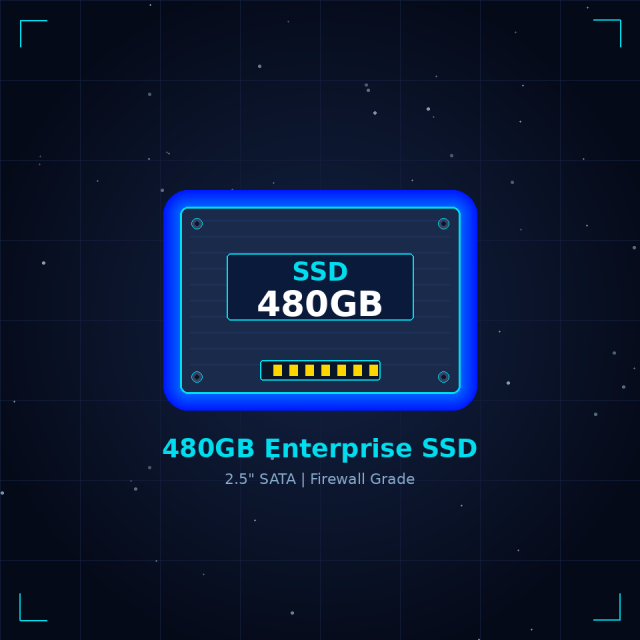
Equipment for this system.
A selection from the current catalogue. Compatibility, configuration, price and availability are confirmed for your request.



Continue with the connected work.
See how this fits into our IT infrastructure services.
LET’S MAKE THE NEXT STEP CLEAR
Plan servers and storage
Tell us what your team needs to access and what is difficult today.
Useful details to send
- User numbers and device operating systems.
- Applications, data size and expected growth.
- Existing server or storage model references.
- Access problems and acceptable change windows.