
BUILT AROUND YOUR SITE
See the detail that matters. Find it again when you need it.
A useful CCTV system starts with a question: what do you need to see at each location? An entrance, a loading bay and a checkout need different views. We work through camera positions, recording and everyday access before building the equipment list.
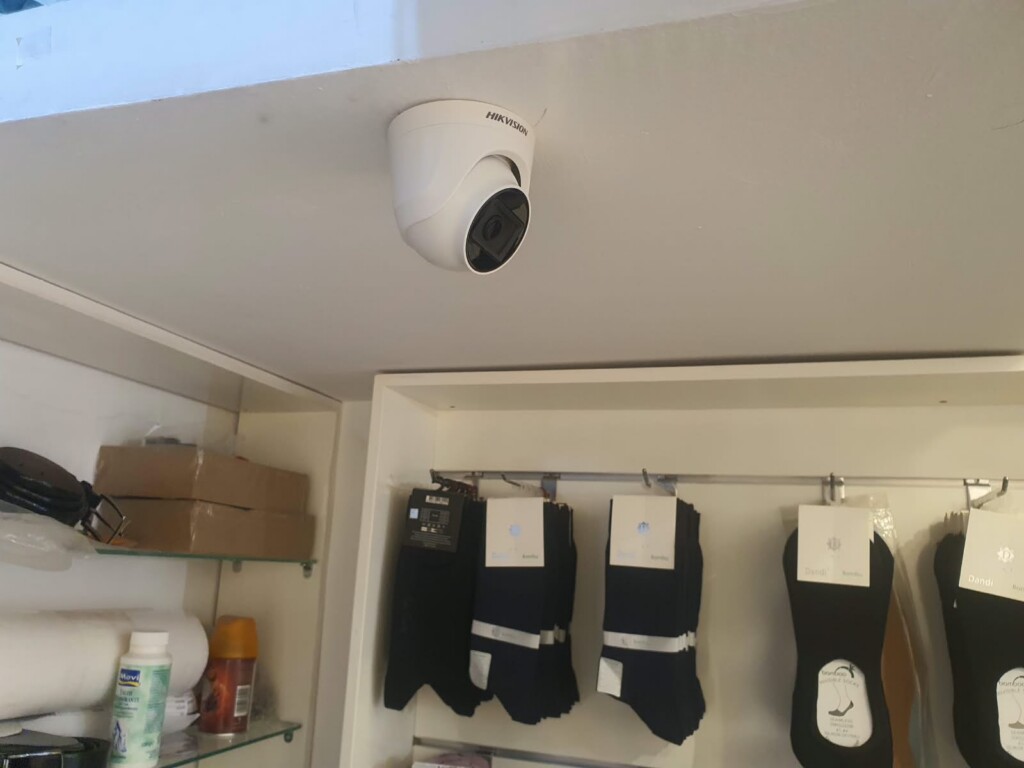

Useful camera views
Choose the scene, distance and lighting to assess, then select suitable camera positions and lenses. Resolution is only one part of that decision.

Recordings you can retrieve
Plan recording settings and storage around the agreed retention requirement. Demonstrate playback and export with the person who will use them.

Access for the right people
Give operators the viewing and export permissions they need. Keep administrative changes and remote access under a clearly owned account.
UNDERSTAND THE PARTS
How the system comes together.
Choose a part to understand its role. These are system roles, rather than an installation wiring plan.
Camera view
The camera captures a defined scene. Position, light, lens and obstructions determine whether that picture answers your question.

Network & power
The connection carries video to the recorder. Cable routes, switch capacity and the selected power method belong in the same plan.
Recorder & storage
The recorder saves the agreed streams. Channels, recording settings, storage capacity and required event functions must work together.

View, search & export
Authorised staff view cameras, find a time or event and export footage. These are separate checks during handover.
Where are you starting?
Choose the situation closest to yours. The details help us plan the right next step.
Plan the views before counting cameras.
Mark the entrances, activity and areas that need coverage on a plan. Explain what a useful picture would show in each place.
- Day and night conditions
- Required image detail
- Recording and operator locations
Keep equipment that still does the job.
Record the camera and recorder models before proposing an upgrade. Compatibility includes recording and events, as well as a live picture.
- Full models and firmware
- Required recorder functions
- A representative compatibility test
Keep local operation and remote access clear.
Decide who manages each site, where recordings remain and which users need access across locations. Internet service is a separate dependency.
- Site-by-site recording needs
- User and account ownership
- Remote access and support responsibilities
DECISIONS THAT SHAPE THE WORK
Settle the important questions early.
What must the picture let you do?
Describe the task: understand an incident, observe a doorway or review a transaction area. This gives camera selection a purpose beyond a megapixel number.
How will recordings be used?
Agree recording periods, search needs, authorised viewers and export. Storage planning follows the selected settings and retention requirement; camera count alone cannot settle it.
Can different brands work together?
Check exact models, firmware and required functions. ONVIF conformance is product- and version-specific; an ONVIF label does not promise every manufacturer's analytics feature.
AN AGREED SCOPE
Know what you will receive.
- A camera-location and equipment schedule for the agreed areas.
- Installation, connections and configuration listed in the quotation.
- Recorded viewing, playback, export and required event checks.
- Operator handover, account responsibilities and agreed configuration records.
The quotation confirms the equipment, work, exclusions and handover for your project.
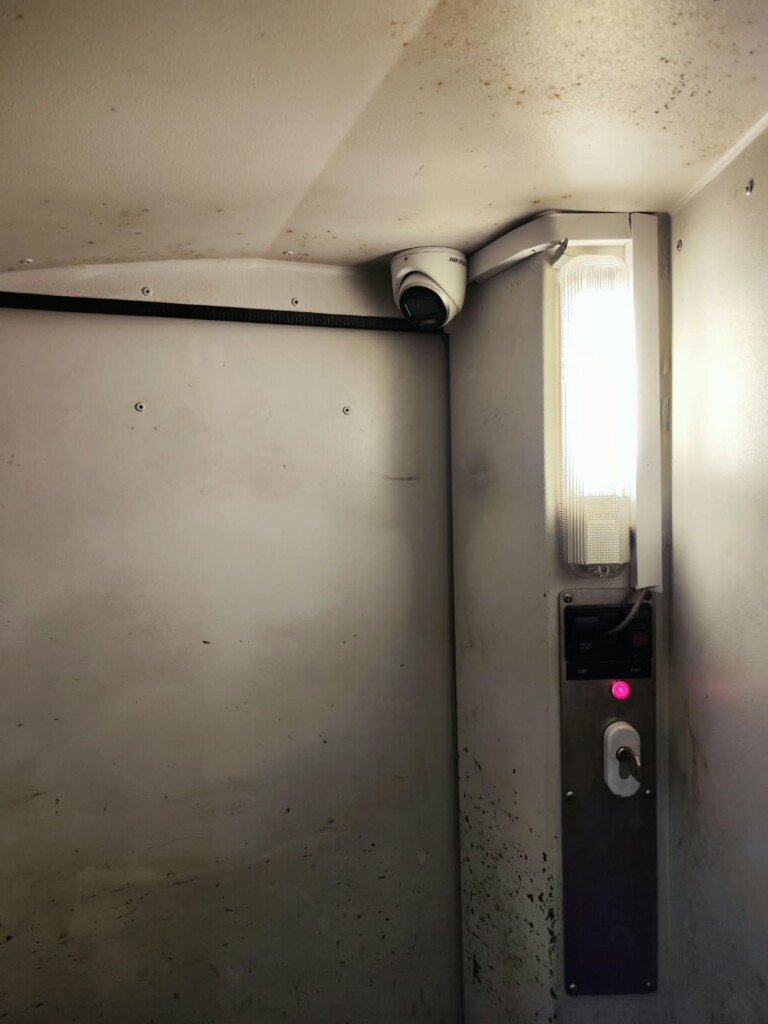
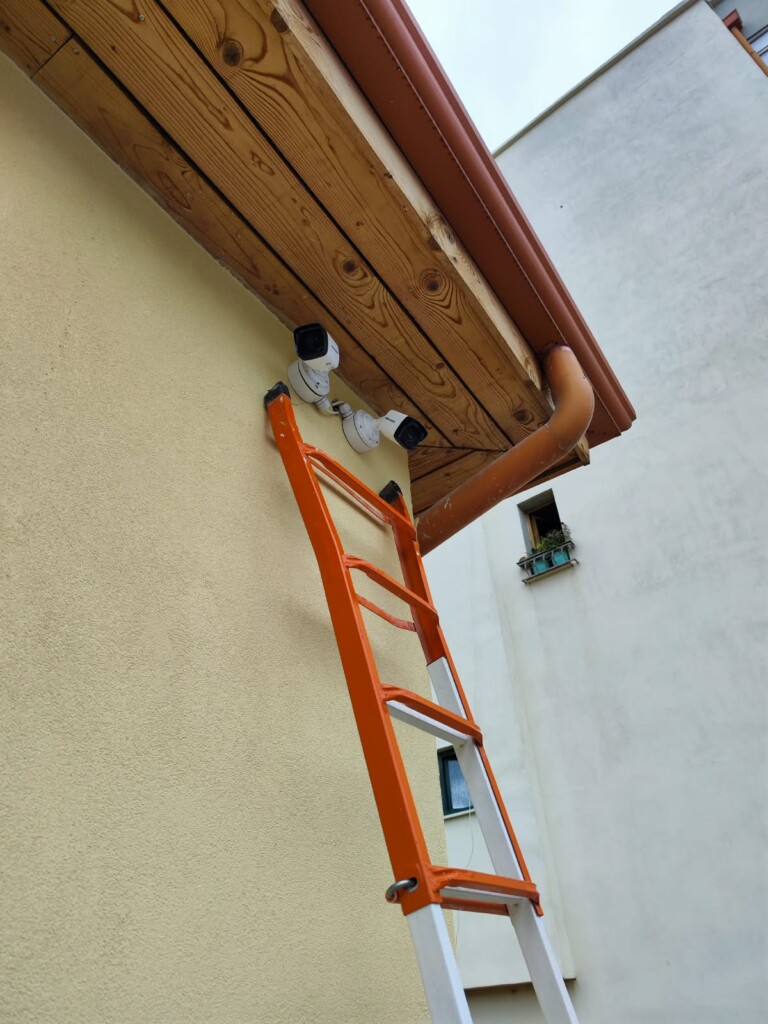
A closer look at the installation.
Details from our own installation photos. Select a photograph for a closer look.
Questions before you start.
Will a higher-resolution camera solve a poor view?
Not necessarily. We first review the scene, lens, light, position and recording settings. A badly placed camera can still produce an unhelpful high-resolution picture.
Can I view cameras on my phone?
Where the chosen platform supports it, remote viewing can be configured for authorised users. The connection method, credentials and Internet requirements are agreed for the installation.
Is an intrusion alarm included in CCTV?
No. Cameras and intrusion detection serve different functions. They can be considered in the same project, with any required connection between them specified separately.
Equipment for this system.
A selection from the current catalogue. Compatibility, configuration, price and availability are confirmed for your request.
-
Hikvision DS-2CD1121-I 2 MP Fixed Dome Network Camera
-
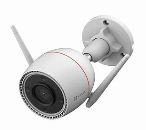
EZVIZ CS-H3C 5MP Mini bullet Wi-Fi Smart Home Camera 3K
-
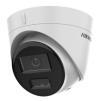
Hikvision DS-2CD1343G2-LIU 4 MP Smart Hybrid Light Fixed Turret Network Camera
-
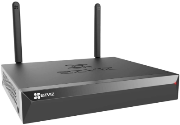
EZVIZ CS-X5S (4W) 4CH Wireless NVR with HDMI & VGA Outputs
Product family image
-
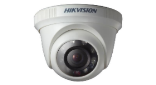
Hikvision DS-2CE56C0T-IRPF 1 MP Fixed Indoor Turret Camera
-
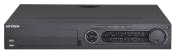
Hikvision DS-7324HQHI-K4 DVR- 24CH, 3MP
Continue with the connected work.
See how this fits into our Electronic systems services.
LET’S MAKE THE NEXT STEP CLEAR
Discuss a CCTV installation
Show us the areas you need to see, and the equipment you already have.
Useful details to send
- Site location and a simple layout
- Areas and activity to capture
- Existing camera and recorder models
- Recording, access and installation requirements