
CHOOSE THE WORK YOU NEED
Make the everyday work easier to do.
A reliable connection is only part of a useful IT setup. People also need working computers, appropriate access to shared information and someone who understands the equipment behind them. Tell us what your team is trying to do, then we can separate the network, device and administration work involved.
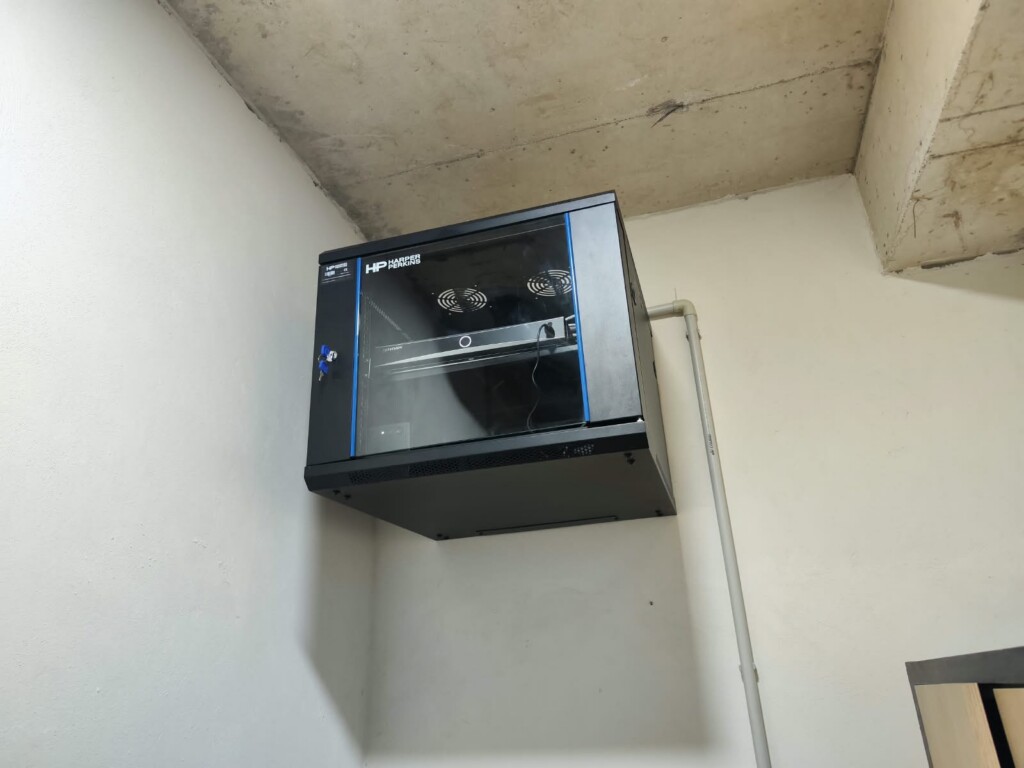

Connected spaces
Plan the wired network, Wi-Fi, fibre and rack around the rooms, users and equipment it needs to serve.

Usable shared resources
Bring servers, storage, accounts and folder permissions into a setup your team can operate and manage.

A clear support route
Identify the affected systems, agree maintenance tasks and keep the information needed for the next change.
Explore the systems in this area.
Networking & Wi-Fi
A strong signal beside the router tells you little about the meeting room upstairs. We plan wired connections, Wi-Fi, fibre and rack equipment around the building, the people using it and the systems that need to stay connected.
Servers & storage
When shared files live on individual computers, everyday work becomes harder to organise. We plan servers, network storage and user access around the applications you run and the people who need them. Existing equipment can be reviewed for an upgrade before a replacement is proposed.
Cybersecurity & endpoint protection
A business needs working connections as well as sensible restrictions. We review the devices, firewall, protection software and administrator accounts in scope, then agree practical configuration changes. The aim is a setup your team can operate and maintain, with clear responsibility after the installation.

UPS & power protection
A UPS or inverter needs to support the right equipment for the time you require. We review the load and its dependencies before recommending a suitable arrangement for networks, recording and servers. Runtime estimates, operating checks and electrical installation responsibilities are stated separately.

VoIP & IP Telephony
Reception, office teams and hotel rooms need different call-handling arrangements. We plan IP phones, extensions and the phone platform around those daily tasks, then check the network, power and provider requirements. An IP-PBX is the system that manages extensions and routes their calls.
IPTV Systems
IPTV needs more than a television with a network socket. We plan the route from a permitted source through the delivery equipment and network to compatible screens. We check source formats, screen capabilities and controls before repeating the arrangement across rooms.
A CLEAR SEQUENCE
What happens from here.
Choose a step to see what it involves.

People and tasks
Start with who works here, their devices and the applications or shared files they need to reach.
Connections
Review Internet access, cable routes, switches and wireless coverage alongside the systems already installed.
Services and access
Set out the required server functions, storage, software and permissions, with administrative responsibility assigned.
Daily operation
Check representative user tasks, record the agreed setup and explain how to report a problem or request a change.
Where are you starting?
Choose the situation closest to yours. The details help us plan the right next step.
Build around the way the team works
Use the move or fit-out to plan cable locations, equipment space and user needs together. Confirm which work belongs to the technical installation and which depends on other contractors.
- Floor plan and expected users
- Desk, printer and access-point locations
- Rack, power and cable-route requirements
Keep what still serves its purpose
An upgrade can retain suitable devices. Review the current equipment and recurring frustrations before deciding what needs replacement, reconfiguration or a better connection.
- Current model and connection list
- Tasks that are slow or unreliable
- Work that must continue during changes
Define the equipment and work covered
A useful support arrangement identifies the systems, contacts and routine tasks. Agree how investigation, replacement parts and project changes will be handled.
- Covered users and devices
- Contact and access arrangements
- Maintenance tasks and exclusions
DECISIONS THAT SHAPE THE WORK
Settle the important questions early.
Do you need a new network or a smaller correction?
Describe the problem before choosing equipment. A fault affecting one computer calls for a different investigation from an issue across a whole floor.
Who manages accounts and shared information?
Identify the people who approve access, own administration accounts and retain recovery information. These responsibilities belong in the plan alongside the devices.
What should happen when something fails?
Discuss the effects of losing a connection, device or shared resource. Agree the support and recovery work appropriate to those consequences.
AN AGREED SCOPE
Know what you will receive.
- A reviewed equipment and connection list for the agreed areas.
- The specified installation, configuration or troubleshooting tasks.
- Checks based on the user activities included in the brief.
- Relevant settings, account responsibilities and next steps at handover.
The quotation confirms the equipment, work, exclusions and handover for your project.
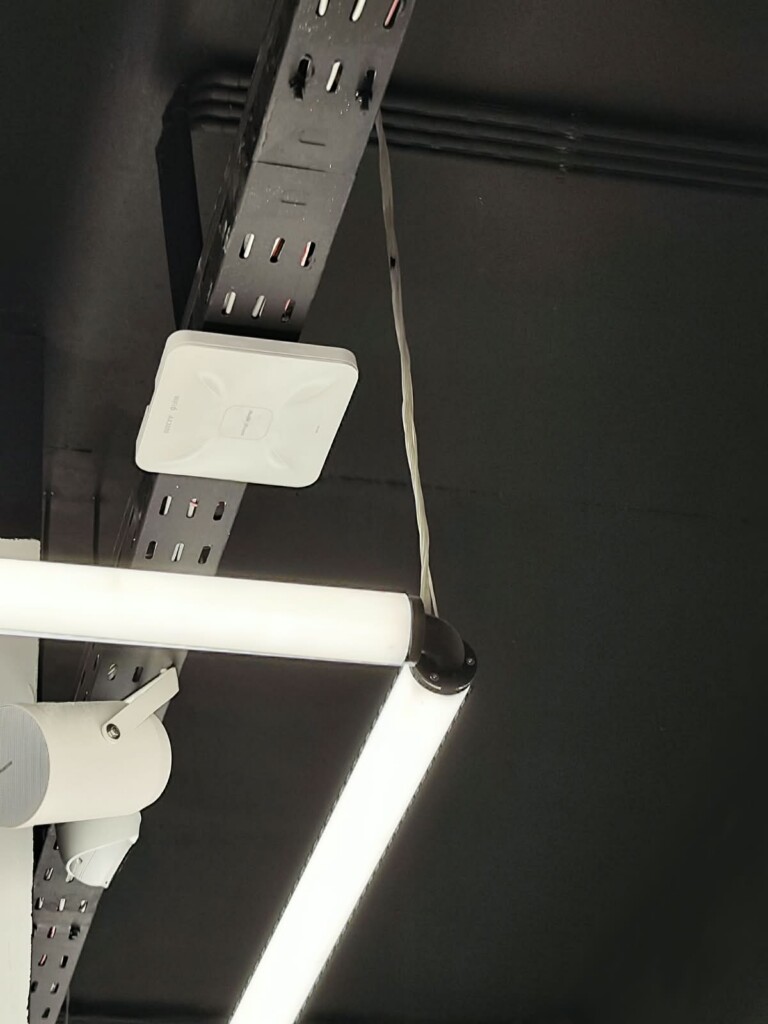
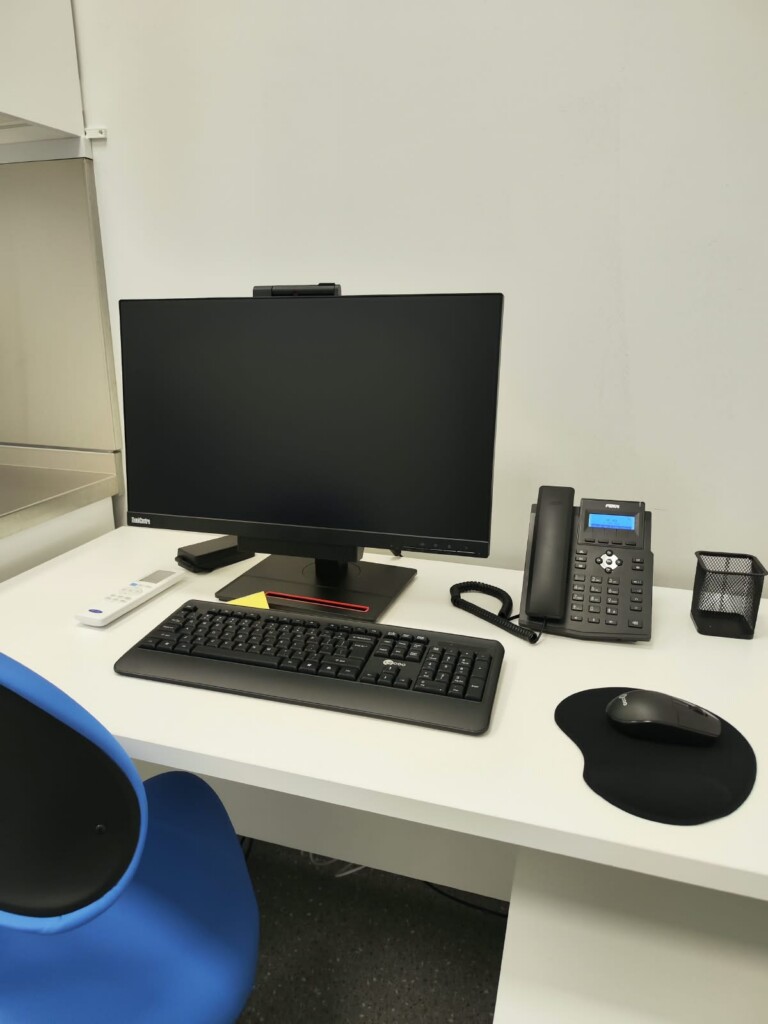
A closer look at the installation.
Details from our own installation photos. Select a photograph for a closer look.
Questions before you start.
Can you work on a network installed by someone else?
Yes, we can discuss reviewing an existing installation. Available credentials, documentation and equipment condition determine what can be assessed and changed safely.
Does every business need a server?
No. Start with the applications, files, users and management requirements. The proposal should explain the purpose of any server or storage system it includes.
Can we improve the system in stages?
Yes. Agree the priority tasks, dependencies and interfaces first so that an early improvement does not make the next stage unnecessarily difficult.
Continue with the connected work.
LET’S MAKE THE NEXT STEP CLEAR
Discuss your IT setup
Show us how the team works and where the setup gets in the way.
Useful details to send
- Site location and approximate user count
- Current equipment or a few clear photographs
- Applications, shared files and connections involved
- Your priority and preferred working window