
BUILT AROUND YOUR SITE
Make everyday access and protection easier to manage.
A business needs working connections as well as sensible restrictions. We review the devices, firewall, protection software and administrator accounts in scope, then agree practical configuration changes. The aim is a setup your team can operate and maintain, with clear responsibility after the installation.
THE WORK, MADE CLEAR

Connections with a clear purpose
Review which services need to communicate, which remote connections are required and which management interfaces should be restricted.

Protection on the agreed devices
Configure supported endpoint protection and licences for the computers in scope, with an identified person responsible for updates and alerts.

Controlled administrator access
Separate ordinary work from administration, review account ownership and use additional sign-in verification where the selected systems support it.
UNDERSTAND THE PARTS
How the system comes together.
Choose a part to understand its role. These are system roles, rather than an installation wiring plan.
Network boundary
The router and firewall control the agreed paths into and between networks. Rules should support named business needs and record any exceptions.
Computers & protection
The selected protection product must suit the device and operating system. Installation, updates and the handling of alerts need defined owners.
Accounts & sign-in
Review user and administrator permissions. Additional verification can strengthen supported sign-ins, while recovery contacts must remain accessible to the business.

Checks & upkeep
Test required access and intended restrictions. Record the changes, outstanding items and the update or support tasks that follow.
Where are you starting?
Choose the situation closest to yours. The details help us plan the right next step.
Set the access rules before the office gets busy.
Identify staff, guest devices and connected systems at the start. Decide which resources each group should reach and who will manage the firewall and protection tools.
- What must guests be kept away from?
- Who needs administrator rights?
- Who owns product accounts and renewals?
Understand the current setup before changing tools.
Review operating systems, installed protection and available licences. A replacement product is only one possible outcome; settings, account access or maintenance may need attention first.
- Which devices and versions are involved?
- Are licences and updates current?
- What problem prompted the review?
Give the right people the access they need.
Define the work that must be done remotely and the systems it requires. Confirm a supported connection method, authentication and a process for removing access when it is no longer needed.
- Who connects, and to which resources?
- Which authentication methods are supported?
- Who approves and removes access?
DECISIONS THAT SHAPE THE WORK
Settle the important questions early.
What should the firewall allow?
Describe the required application or business task, its users and destination. This gives a basis for specific rules instead of opening broad access to solve a single connection issue.
Which endpoint product fits?
Check operating systems, existing software, licences and administration requirements. Product capabilities differ; the proposal should identify the features and ongoing tasks included for your devices.
Who deals with an alert?
Agree whether your team or an appointed provider reviews alerts and maintains settings. Installing protection software does not by itself establish a continuing response service.
AN AGREED SCOPE
Know what you will receive.
- A record of covered devices, products and relevant licence dependencies.
- Agreed firewall, account and endpoint configuration changes.
- Checks of required connections and the restrictions in scope.
- An administration handover and a clear maintenance responsibility list.
The quotation confirms the equipment, work, exclusions and handover for your project.
Questions before you start.
Can you work with our existing firewall and antivirus?
We review exact products, supported versions, licences and available administration access first. Suitable equipment may remain; any proposed replacement should have a stated reason.
Is ongoing maintenance included?
Your proposal defines which updates, alert reviews and configuration tasks are included after installation, who carries them out and which software renewals remain separate. Agree those responsibilities before handover.
What should we send in the enquiry?
Send device numbers, operating systems, existing products and the concern you want to address. Do not send passwords, recovery codes or other access secrets through the enquiry form.
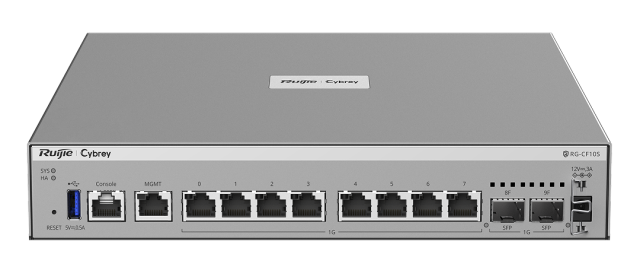
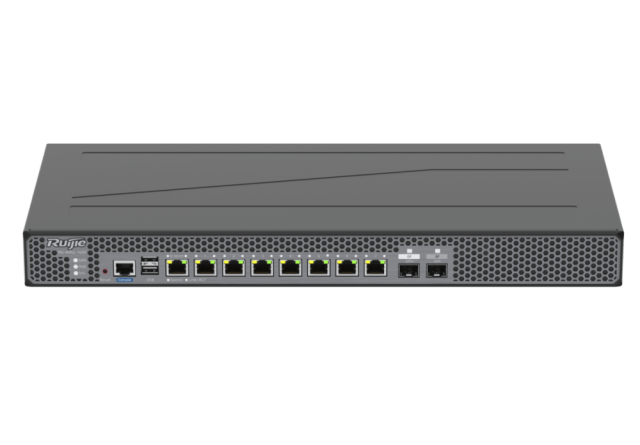
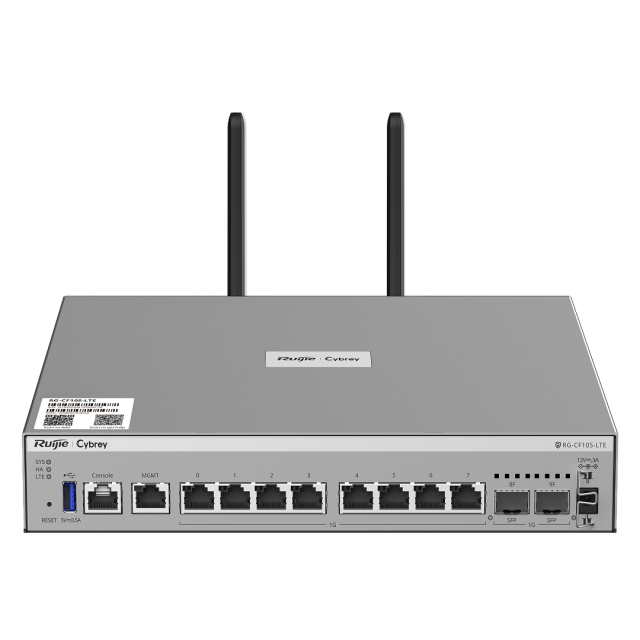
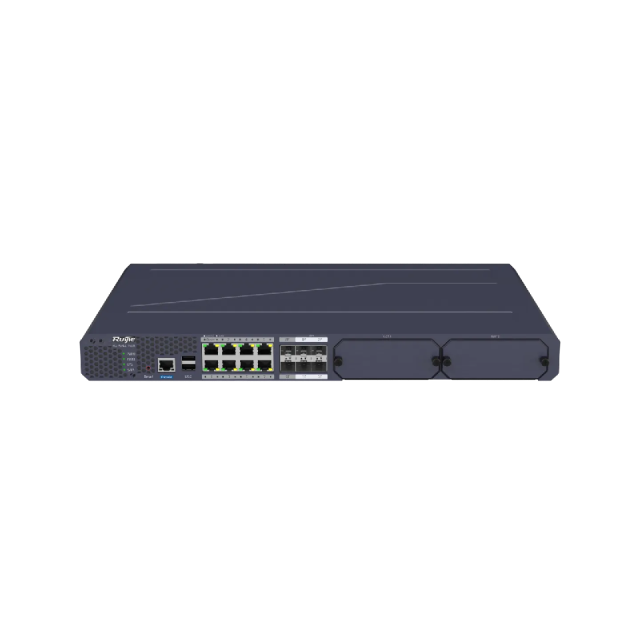
Equipment for this system.
A selection from the current catalogue. Compatibility, configuration, price and availability are confirmed for your request.
Continue with the connected work.
See how this fits into our IT infrastructure services.
LET’S MAKE THE NEXT STEP CLEAR
Discuss IT protection
Start with the environment and the concern you want to resolve.
Useful details to send
- Device numbers and operating systems.
- Current firewall and endpoint products.
- Required remote access and shared resources.
- Symptoms, recent changes and support responsibilities.